
The iPad browser for Figma & FigJam
Figma & FigJam,
the real editor on iPad.
Figgy is a focused browser for the canvas — steadier tabs, Page Zoom, Pencil and trackpad.
Free to start · Designed for iPad
Free is the full editor. Pro is a tip, not a gate — $0.99/mo or $6.99 lifetime.
Requires iPadOS 18 or iOS 18 or later.
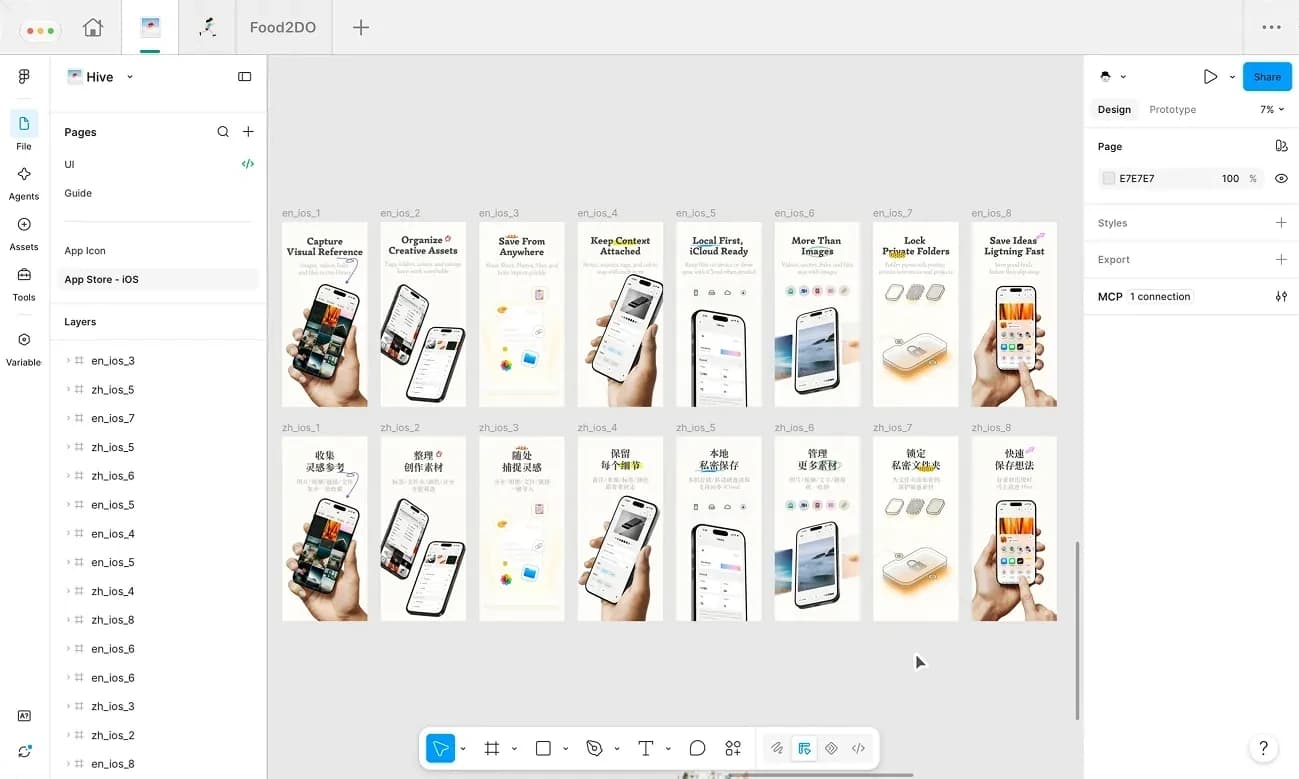
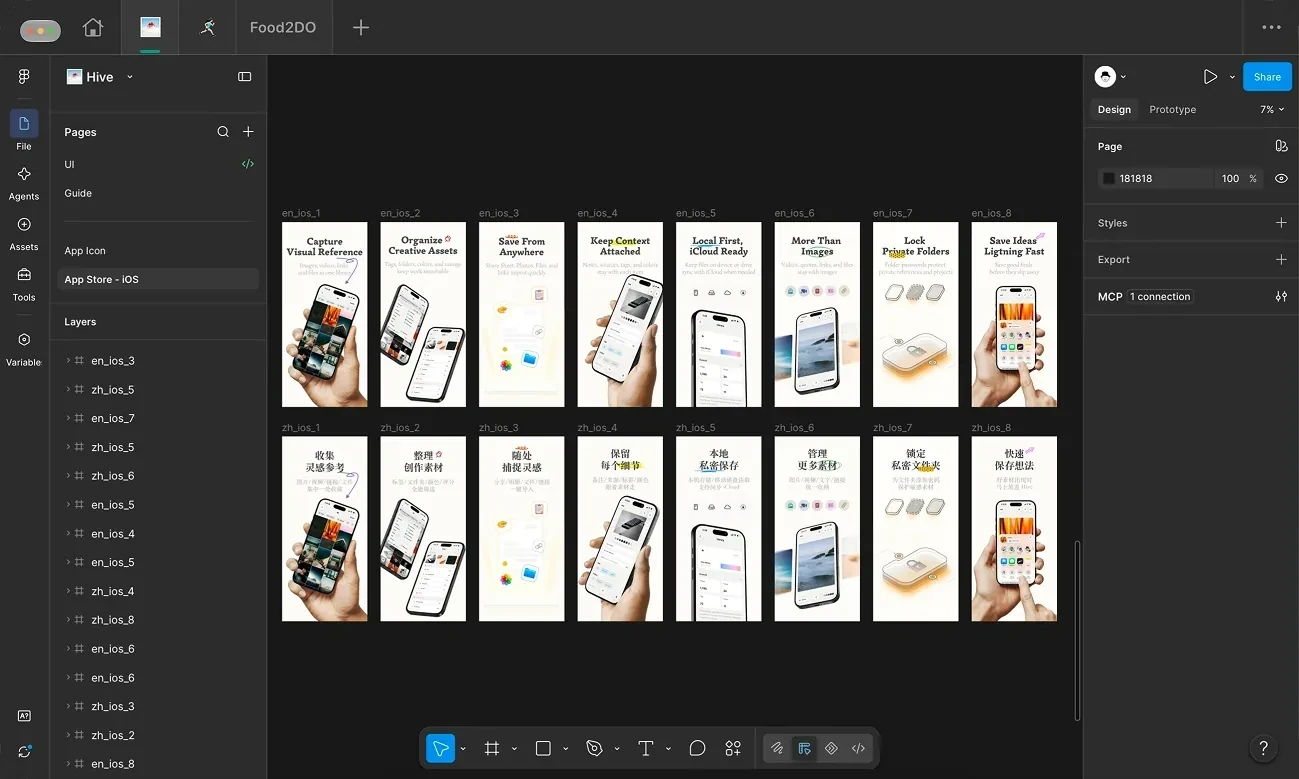
The keys you miss, right on the glass.
Tap ⌥ to measure, ⇧ to build a selection, and Undo to step back. Move over the canvas to sample a color.
Built around the canvas.
Six ways the board stays first.
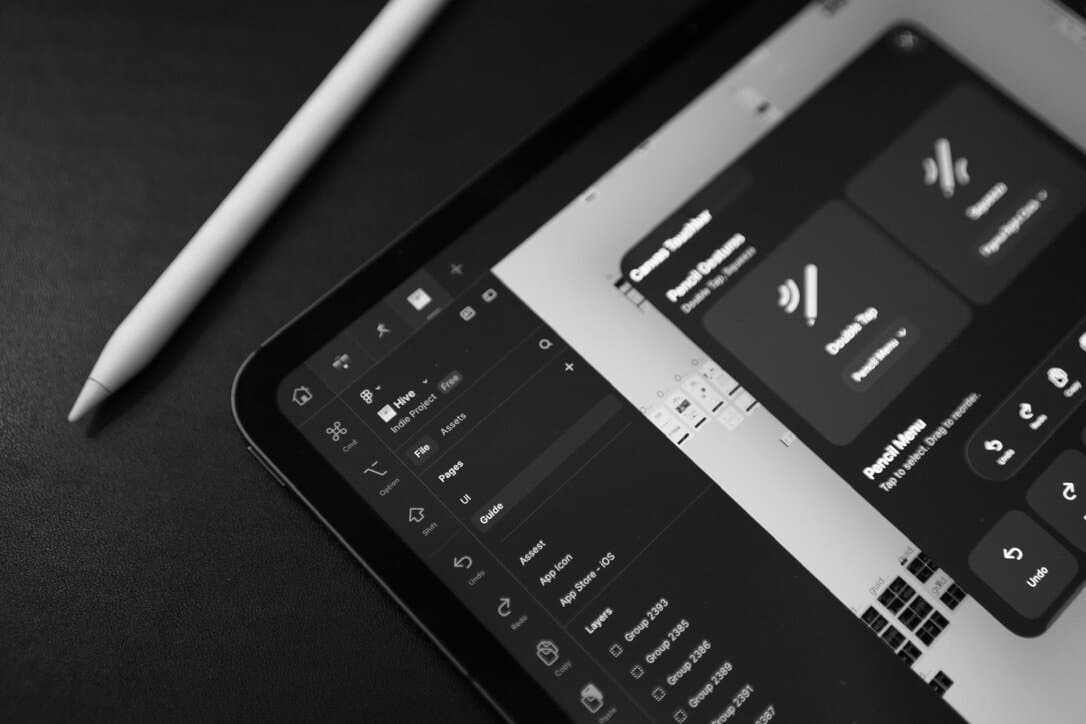
Touchbar
01Touch shortcuts on the board. Cmd, Option, Shift, undo — no keyboard needed.
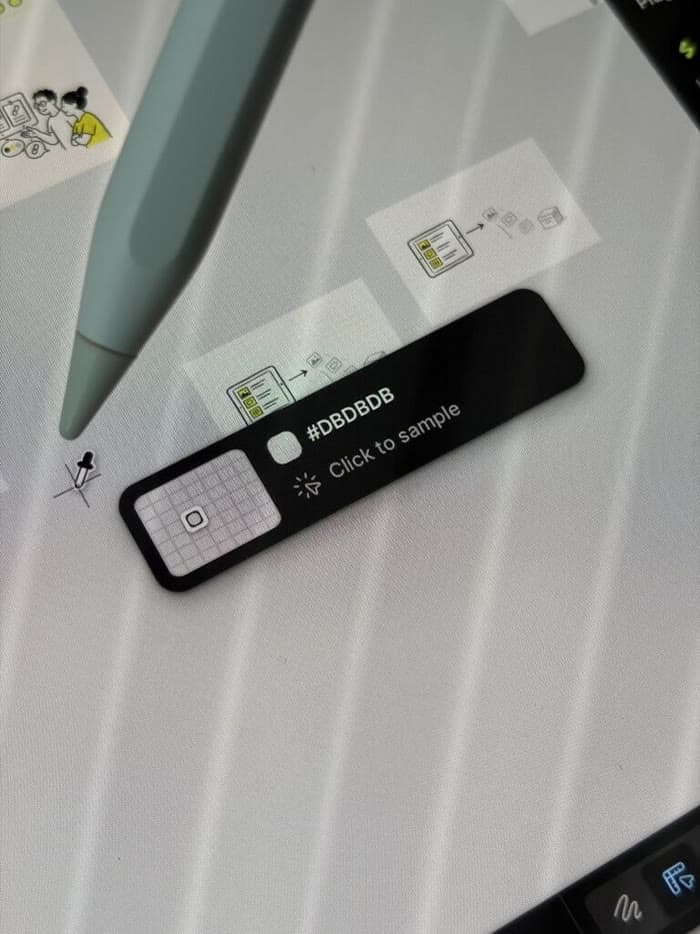
Pencil Hover
02Hover to preview color. Sample and inspect before you tap.

Local Fonts
03Upload your font packages. Use your type library in Figma on iPad.

Pinned Tabs
04Pin the files you live in. Jump back without hunting tabs.
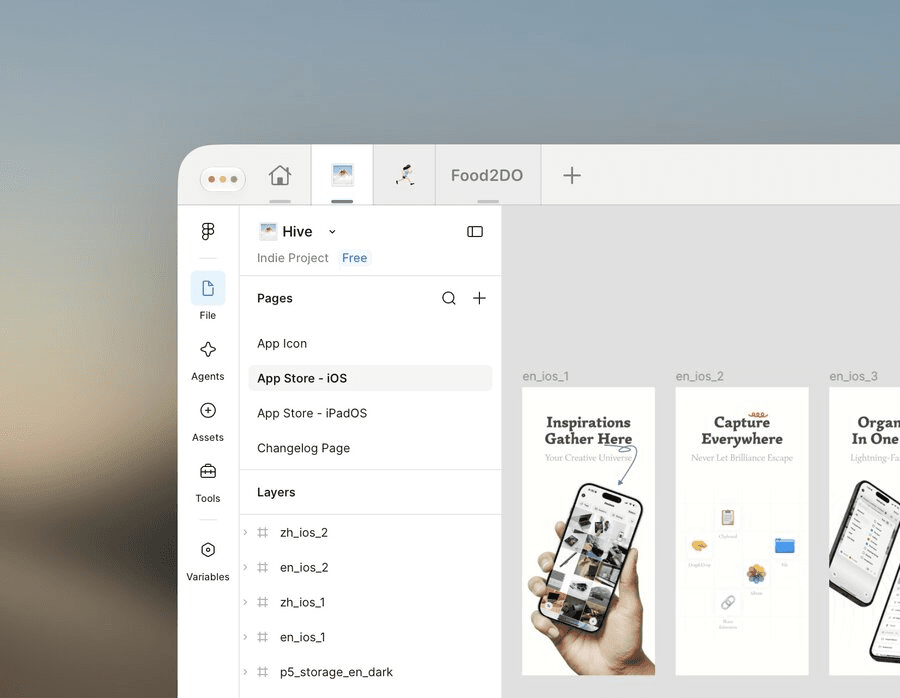
Canvas-first
05Keep chrome out of the way. More room for the canvas.
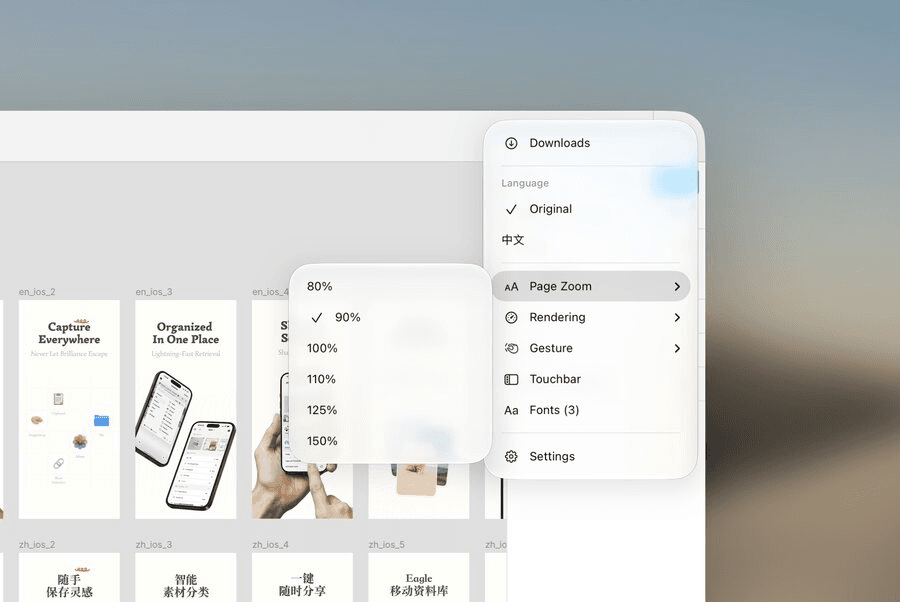
Customize Display
06Tune zoom and render. Match the UI density you need.
iPhone and iPad, whichever you carry
Figgy runs on both. On iPad the Touchbar sits beside the canvas; on iPhone it moves to the bottom edge.
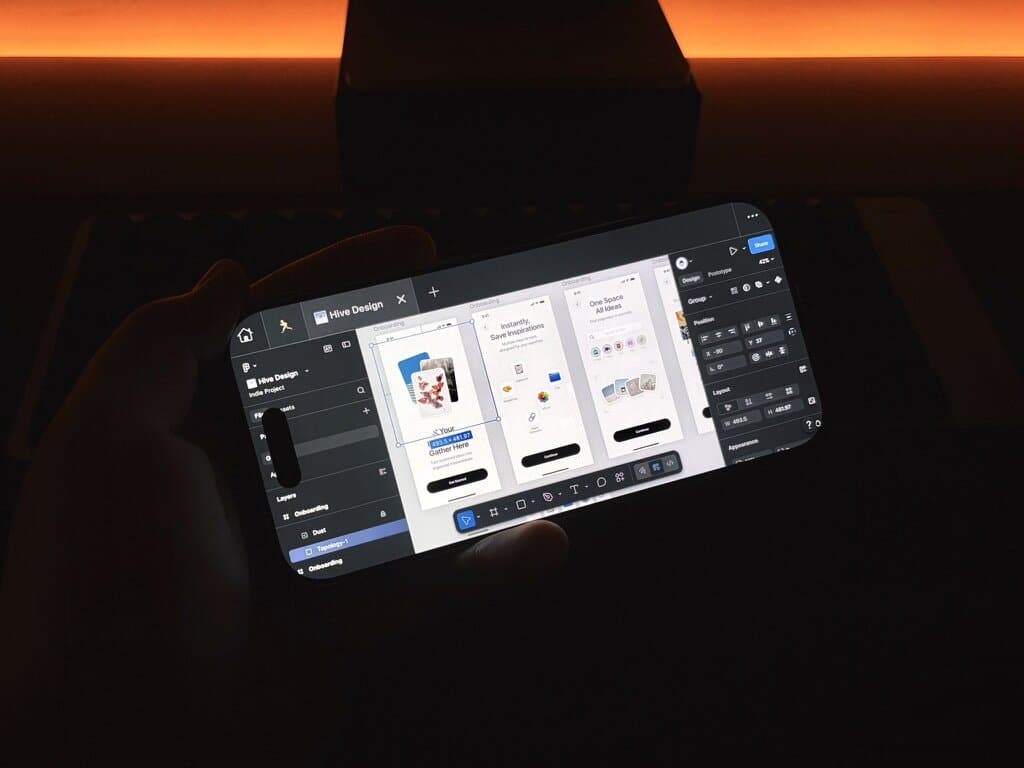 iPhone
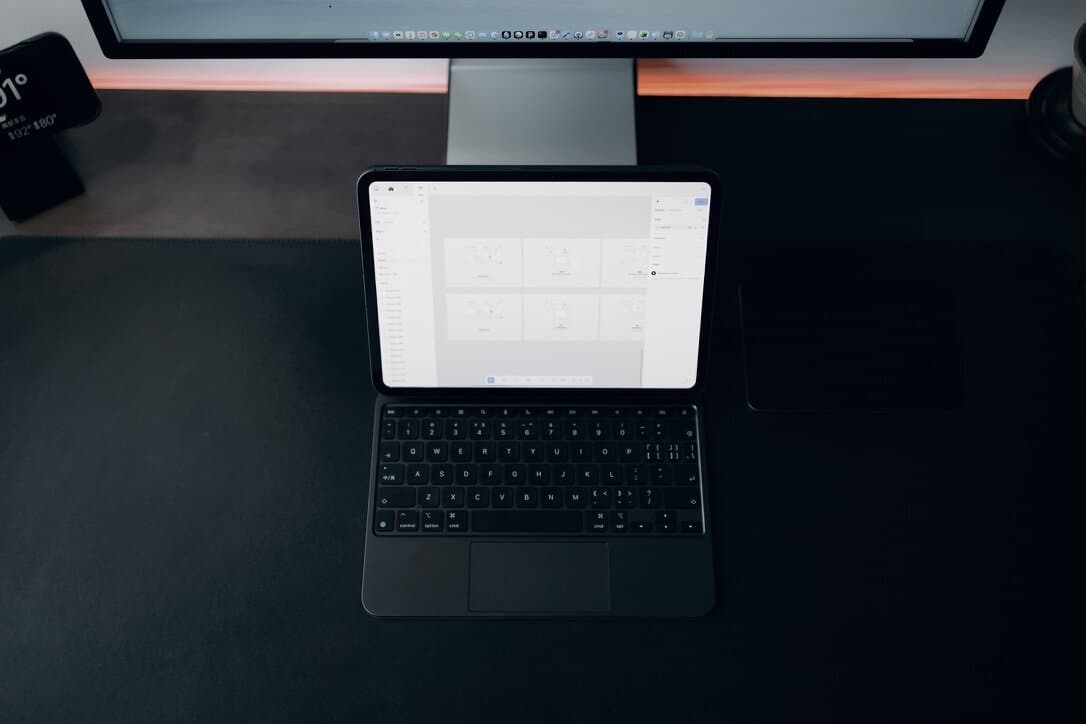 iPad
iPadWhy the iPad Still Needs a Real Figma Workflow
The hardware in the bag has been ready for years. The missing piece was a browser that treats the canvas as the work.
Read the story